
Workspace
The following changes were made to the workspace.
Snapshot Button Menu
Selecting the Snapshot button on the tool bar now presents a menu with snapshot options. For more information, see Snapshot Button Menu.
Web Map View - Server Change
The Web Map View shows map tiles provided by a third-party web service. For more information, see Web Map View in User Interface.
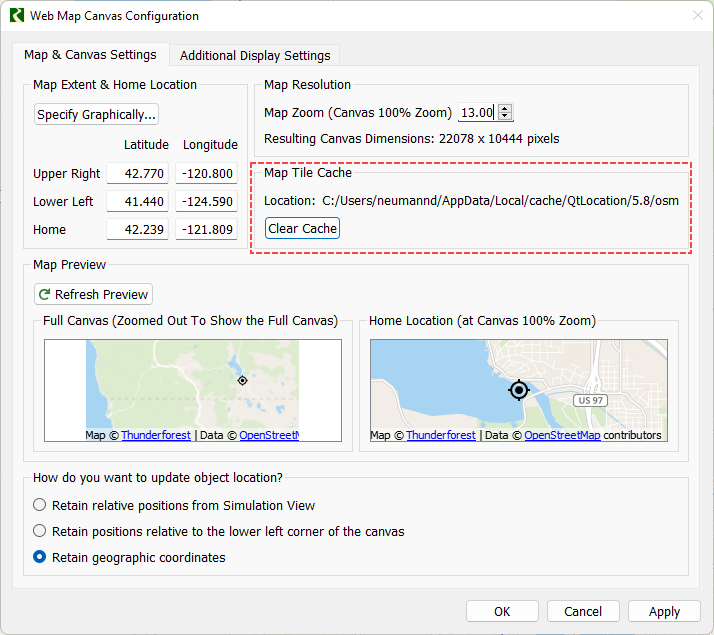
The server used by RiverWare was changed to a different service. The maps have a slightly different look and feel than the previous version. In addition, the location of the cache and a “Clear Cache” button, highlighted below, was added to the Web Map canvas configuration window. Use this button to clear downloaded map tiles and start using the new maps.
Figure 1.41 Web Map Canvas Configuration with Map Tile Cache section highlighted
Revised: 12/01/2023